

You might have a video you want to add to a Steam community from your Youtube account, like the trailer below for my game Puzzledorf, or a review or some such video:
Here’s very simple instructions on how you can add your own videos to a Steam gaming community, with pictures.
- Go to the community page
- Go to Videos
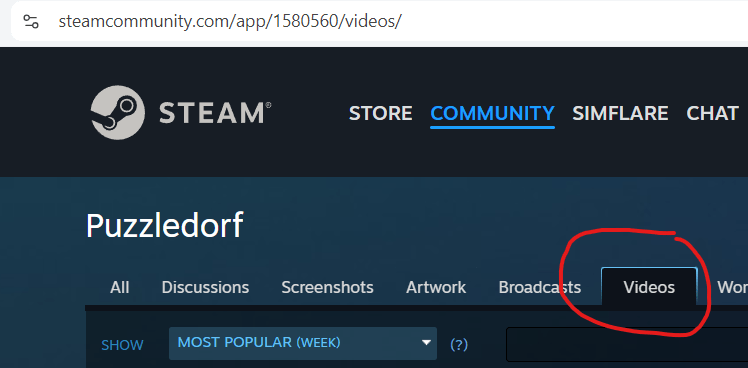
3. Click Upload a video.
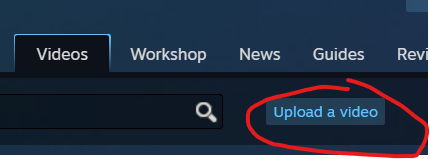
4. Click Link YouTube Account

5. Click Access Your YouTube Videos

6. Go through the setup wizard
At this point Youtube will take you through a wizard, asking you which Youtube account you want to give access to. Go through that process until you come to this screen.
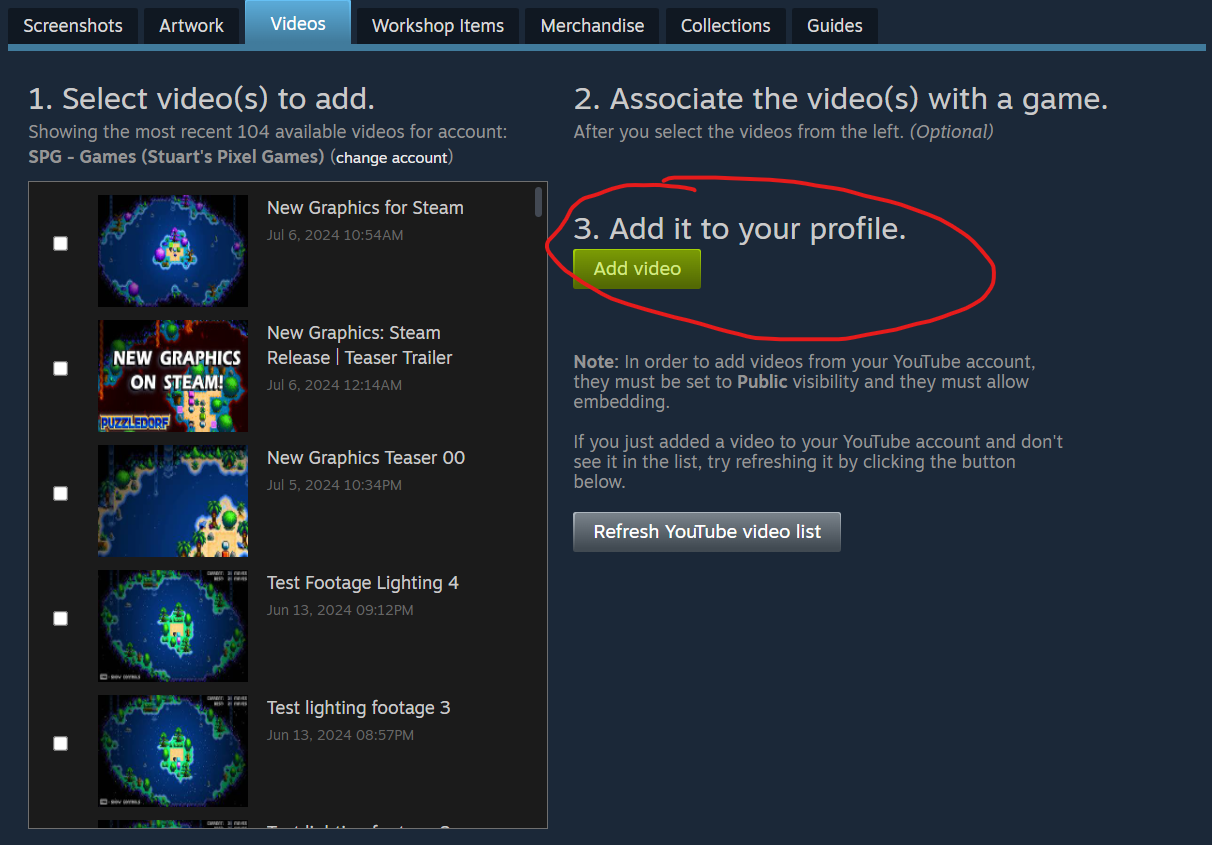
Just click the check boxes next to the videos you want to add, then click Add video. It will then ask you to associate it with a game.
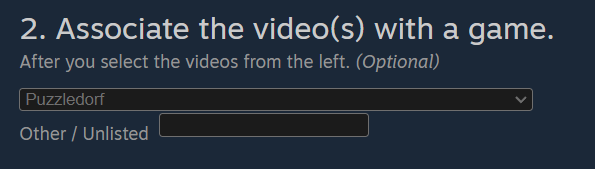
Choose the game. Start typing the name of the game while the dropdown box is open to zoom to your game of choice. Once you’ve found it, click Add video again. This will add it to the list of videos linked to your personal account on Steam. It should now also be linked that games community, but it might take a while to show up.
If you now go back to that Steam Community, go to Videos, and click Upload Video again like below…
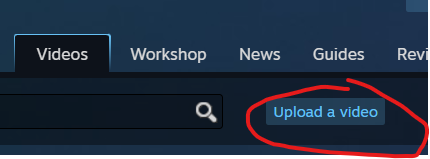
If you click that, it will then take you to the videos you’ve linked to your personal Steam account.
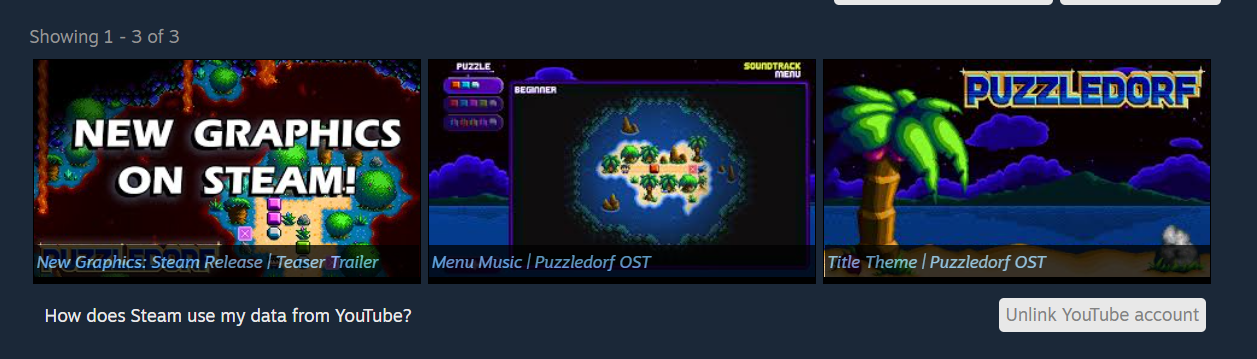
You probably won’t see it on the Steam Community yet, but as long as it’s in your personal accounts videos, it should show up soon. If you click on the video you tried to upload
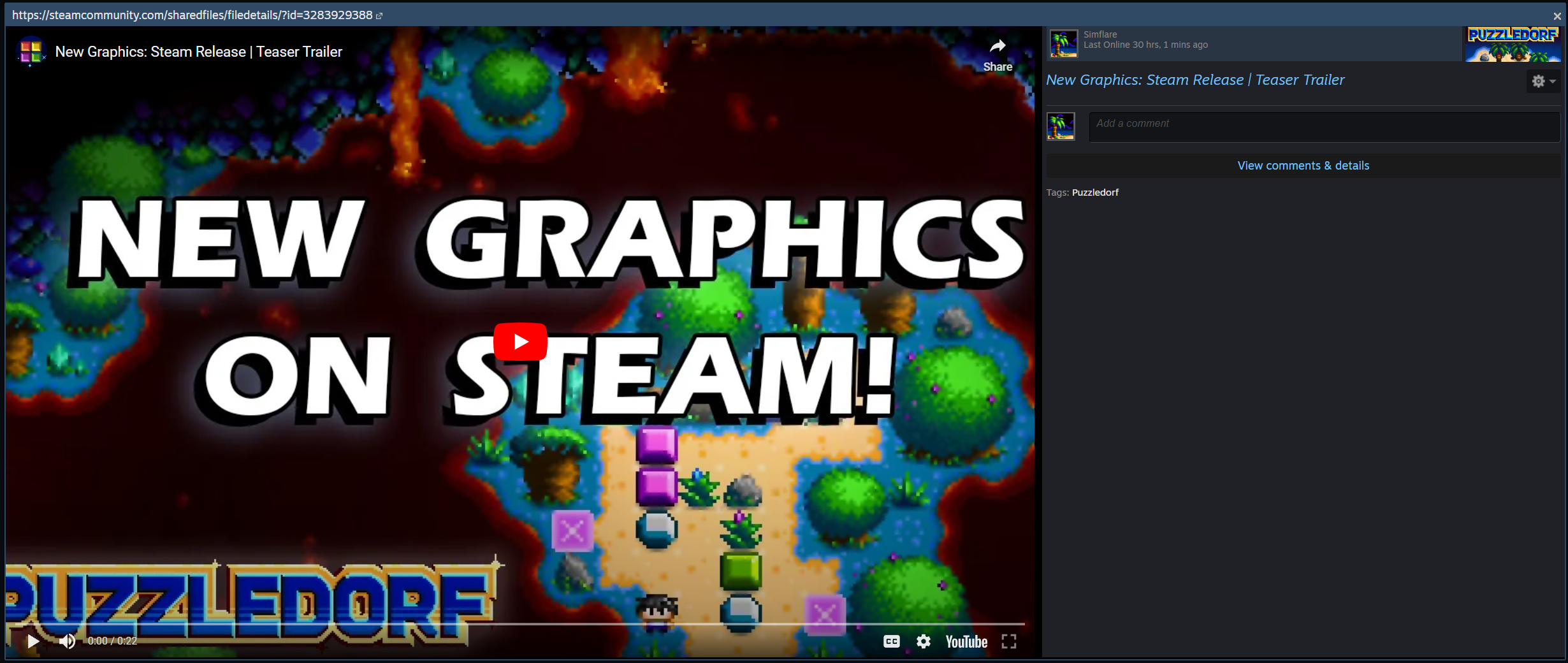
You should see a community web address top left, and the games icon in the top right. The name of the game should also be a tag under the comments.
If you click View comments & details.

It will take you to the files page in that games community. Up the top left you should see the name of the game. You can also see the games icon under the video, bottom right. Give it time and it will show up on the community page.
If you liked this article, please check out Puzzledorf to show your support. If you enjoy playing, leaving a review helps the games visibility on the store platform.


Leave a Reply