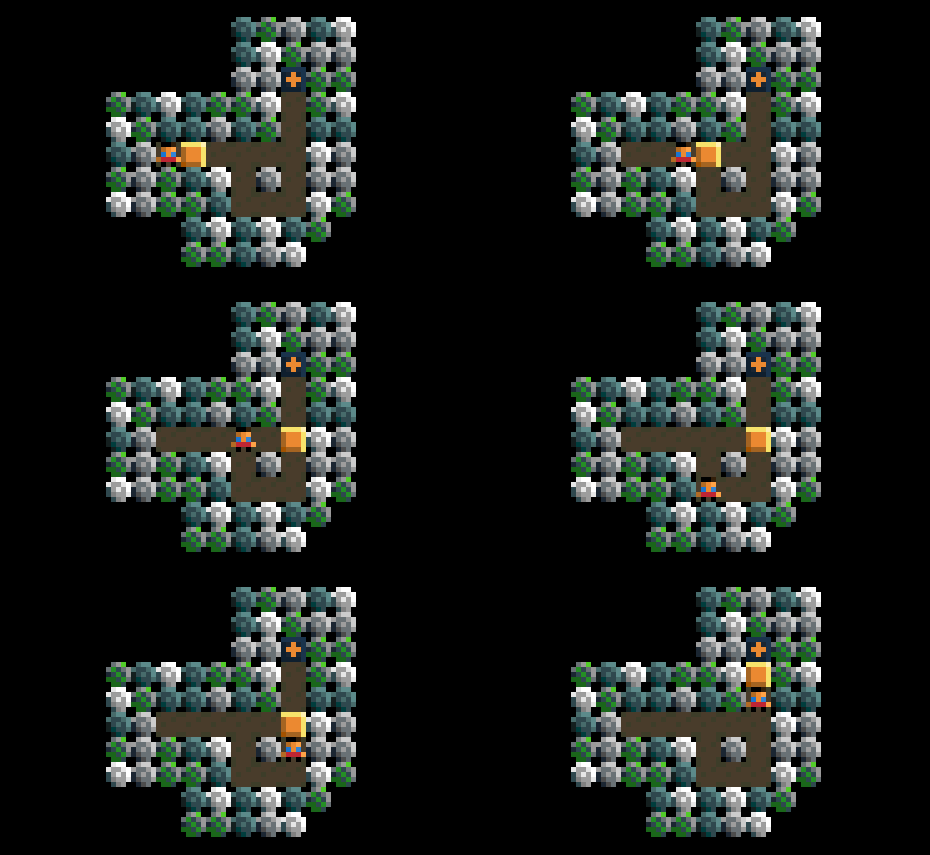
This tutorial isn't about being fashionably late. Sometimes you want code to run last, after everything else has been checked. The late command is how you do that. This tutorial will teach you how to use the late command in Puzzle Script as well as showing how your code is read by the machine. It assumes no prior programming knowledge except the Puzzle Script tutorials listed here.
How To Set Win Conditions in Puzzle Script
Everybody likes to win. You're players are going to want to win your game. This tutorial covers how you can program the conditions for winning your game, covering step by step examples. This tutorial assumes no prior programming knowledge except the previous Puzzle Script tutorials I have written, which I have listed for you.
How To Create Objects In Puzzle Script
Games are made up of objects. This tutorial is going to try and be 'objective' about teaching you how to create objects in Puzzle Script. By the end you will know how to design them and add them to the code so that you can use them straight away in your game. This tutorial assumes no prior programming knowledge except the previous Puzzle Script tutorials I have written, which I have listed for you.
How To Start Programming in Puzzle Script
This tutorial will teach you how to start programming in Puzzle Script. It requires no prior programming knowledge, but assumes you completed the previous Puzzle Script tutorial on making your first game. You will learn the basic rules of programming in Puzzle Script and how to start creating your own unique games.
Make Your First Puzzle Script Game
You can either watch this tutorial on Youtube below, or otherwise skip past it and read the text version (not all of the Puzzlescript tutorials are on Youtube yet but I plan to do that eventually). https://youtu.be/n0rx-VBSlHs This tutorial is an introduction to Puzzle Script. Puzzle Script is a free to use program that runs in... Continue Reading →
How To Use Sound Effects In Puzzle Script
This is a quick guide to teach you how to play sound effects in Puzzle Script. The first thing you need to do is generate some sound effects. You can do this very easily with a few button clicks. Underneath the black area that contains your level editor and game screens, you will notice a few random black squares with white symbols.